
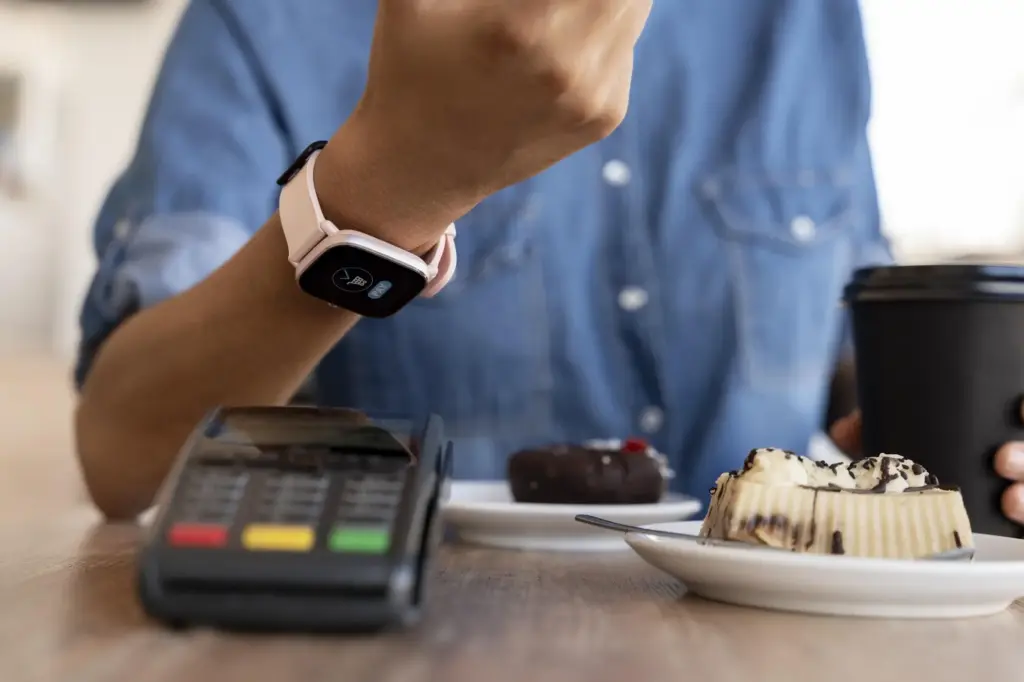

Stay Safe While Banking On Your Phone
Open your banking app with confidence using quick security lessons for safe mobile banking, distilled into fast, practical steps you can apply today. We’ll lock down devices, outsmart scammers, and tune alerts, sharing real stories and expert tips. Try one change per day, then tell us what worked and subscribe for the next short lesson.
Lock Your Device Like A Pro
Most mobile breaches start with an unlocked screen or weak PIN, not sophisticated malware. Strengthen your first line of defense by combining long passcodes, biometric safeguards, quick auto‑lock, and remote‑wipe readiness. A friend avoided a nightmare after a café theft because her phone encrypted data and erased itself within minutes.


Choose Safer Connections Everywhere
Avoid Public Wi‑Fi For Money Moves
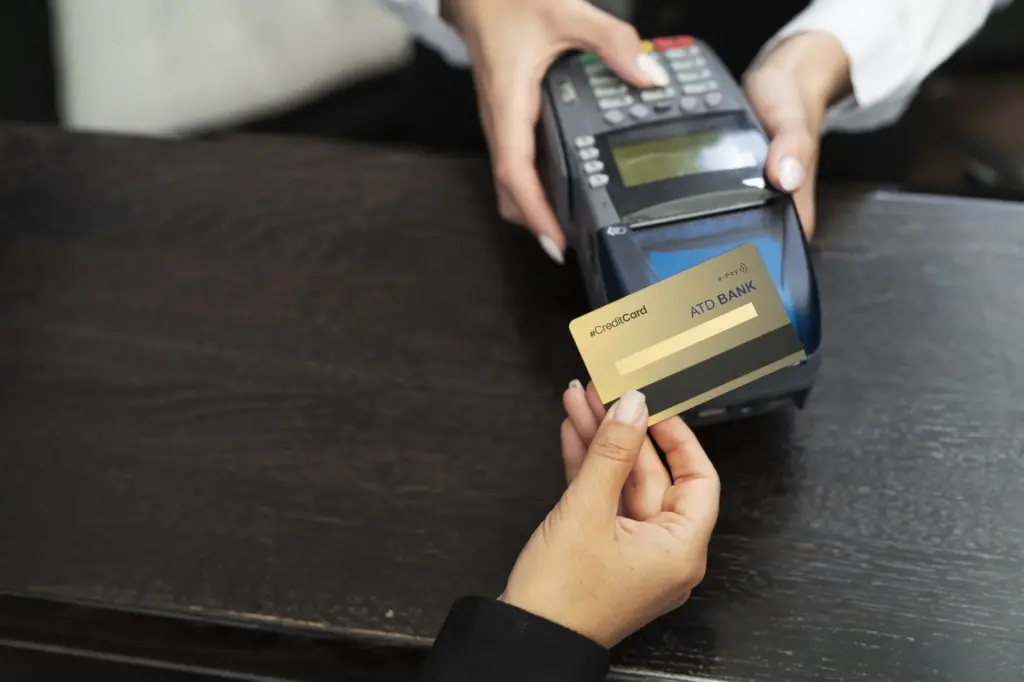
Treat open networks like crowded hallways where anyone can overhear. Even with HTTPS, misconfigured portals and spoofed access points can interfere. Switch to cellular data for transfers and account changes. If you must connect, finish banking first, then use Wi‑Fi only for low‑risk browsing and app updates.
Pick A Trustworthy VPN And Configure It Right
Choose a provider with transparent ownership, independent audits, and a proven kill switch. Favor protocols like WireGuard or IKEv2 for speed and reliability. Set it to auto‑connect on untrusted networks. Remember, a VPN hides traffic paths, not poor passwords, outdated apps, or unsafe taps on malicious links.
Silence Nearby Radios During Sensitive Moments
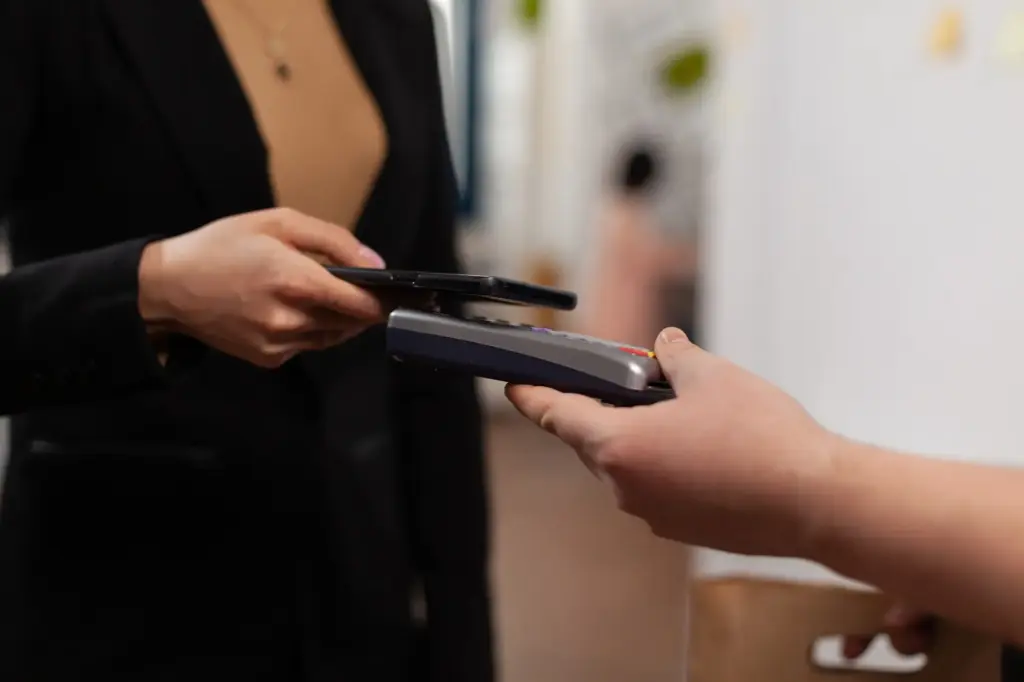
Before approving a large transfer, temporarily disable Bluetooth and NFC to reduce unexpected prompts or skimming attempts. Review paired devices and forget anything unfamiliar. Airplane mode plus Wi‑Fi off can help isolate your phone during review, but reconnect only through trusted networks once verification steps are completed.
Trustworthy Apps, Minimal Permissions
Your banking app deserves an uncluttered, secure environment. Install only from official stores, verify the publisher, skim recent reviews for warning patterns, and compare version histories on the bank’s site. Audit permissions often and uninstall unused apps that collect data. Fewer apps reduce attack surface and background trackers.
Stronger Sign‑In, Fewer Frights
Account access should be quick for you and hard for everyone else. Use a unique, long password saved in a reputable manager, then add phishing‑resistant multi‑factor. Understand differences between SMS codes, authenticator apps, hardware keys, and emerging passkeys so you can pick defenses that fit your lifestyle and devices.
Choose Safer Second Factors Than SMS
SMS can be hijacked through SIM‑swap, malware, or interception. Prefer an authenticator app or, better, hardware security keys supported by your bank. Register at least two factors kept separately. Store backup codes offline. When traveling, test access ahead to avoid lockouts during urgent transfers or fraud disputes.
Recovery Plans That Don’t Expose Your Money
Write down recovery steps that never involve sharing codes or passwords with callers. Keep a sealed copy of backup codes in a safe place, and document a trusted contact process with your bank. Practice a mock recovery once a year to fix gaps before emergencies happen.
Spot Scams Before They Spot You
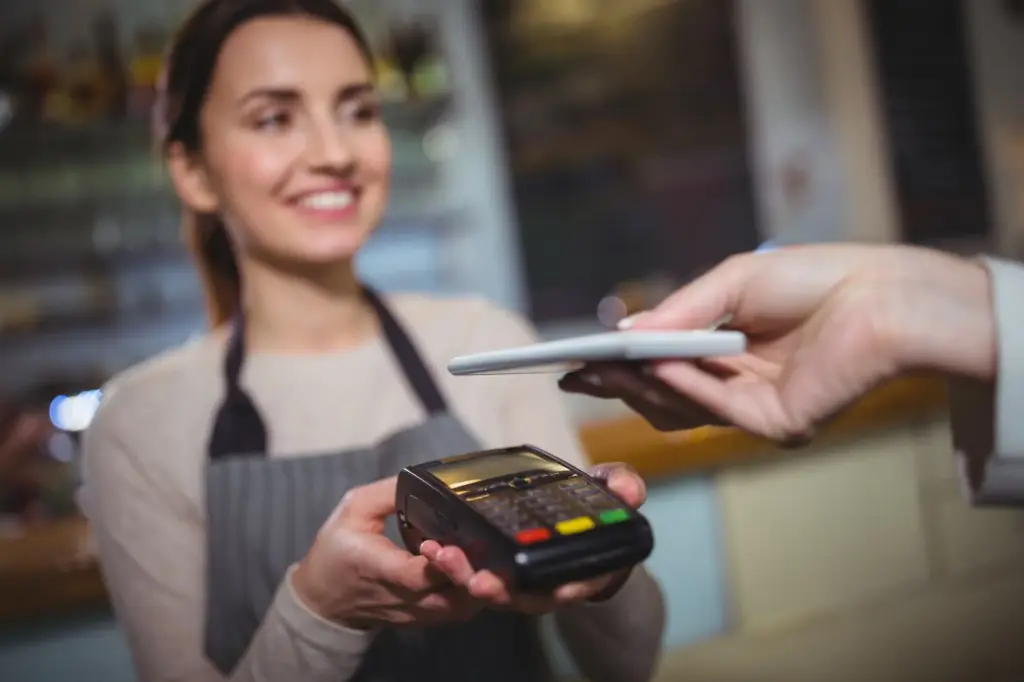
Most mobile fraud succeeds through persuasion, not code. Learn the patterns: urgent messages, surprise refunds, fake delivery notices, or calls claiming suspicious activity. Create one verification path you always follow, and never click links inside messages to sign in. Real institutions welcome your caution and patience.
Turn On Alerts That Actually Help
Enable notifications for sign‑ins, new payees, card‑present transactions, online purchases, and international charges. Calibrate thresholds to your spending to reduce noise so you notice the one odd charge. When something fires, lock the card in‑app immediately, then call the bank to investigate and reverse fraud quickly.
Hide Sensitive Info On The Lock Screen
Curiosity thrives in public spaces. Configure your phone to hide message previews and banking details until unlocked. Use notification summaries or deliver quietly. Disable clipboard sync if it crosses work and personal devices. A little discretion on the outside prevents shoulder surfing and accidental disclosures during commutes and meetings.
Be Careful When Linking Finance Apps
Many budgeting and reward apps request wide access. Prefer connections using read‑only APIs, tokenized cards, or privacy‑preserving aggregation. Review scopes and delete stale links quarterly. If an app experiences a breach, rotate credentials, revoke tokens, and monitor statements closely for several cycles while dispute windows remain open.
All Rights Reserved.